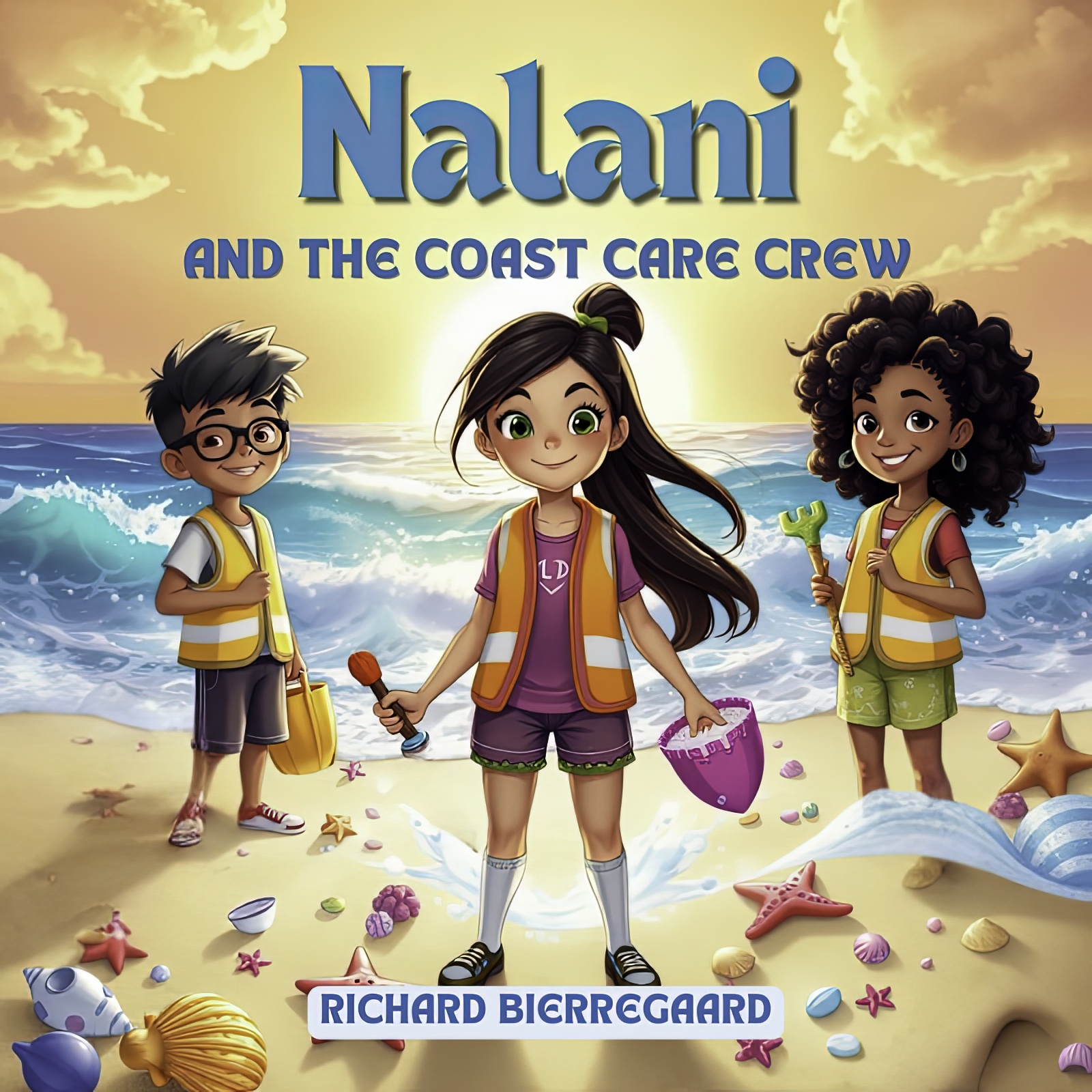
Nalani and the Coast Care Crew
A heartwarming digital children's story
$2.99$2.49
Join Nalani and her friends on an exhilarating beach jaunt as they collaborate to safeguard the coastline and understand the significance of environmental conservation. This captivating digital tale merges bright illustrations with a profound message, making it ideal for young readers and families. Uncover team spirit, camaraderie, and the marvels of nurturing our planet!
Come along with Nalani and her friends as they set out on a thrilling expedition to care for the coast! This beautifully illustrated children’s book fuses adventure, teamwork, and lessons about the environment, perfectly suited for young readers. Ignite curiosity and motivate eco-friendly practices in your child through this engaging narrative.
"Nalani and the Coast Care Crew" tells an inspiring tale about children who are passionate about their community and the environment. Nalani, the protagonist, is a 12-year-old girl who adores spending time at the beach. She feels disheartened because her beloved spot is littered with trash, especially plastic! Nalani discovers that plastic pollution poses a significant threat to ocean wildlife and the entire planet. Rather than merely wishing for change, Nalani resolves to take action!
Nalani realizes she cannot accomplish this by herself, so she joins forces with her friends Mateo and Aya. Together, they establish the "Coast Care Crew," a group committed to cleaning up the beach and restoring its beauty. They even devise a catchy name for their mission on social media – #CoastalCare!
During their clean-up efforts, they encounter three enthusiastic surfers, Larry, Jake, and Maya. The surfers are keen to help and join in. They use their surfboards to retrieve the trash floating in the water, away from the beach!
They face various challenges, but everything works out in the end!
This story illustrates how even small actions can lead to significant impacts, and that collaboration can foster positive change. It reminds us to never give up in our quest to protect the environment!
Downloading and Printing Your Ebook PDF
Congratulations on your purchase! Follow these simple steps to download and print your PDF ebook.
Downloading the PDF
Check Your Email: Immediately after your purchase, you should receive a confirmation email from BooksByArgus. If you don't see it in your inbox, please check your spam or junk folder.
Locate the Download Link: The email will contain a section titled "Your download is ready."
" Click the download link provided with the name of the ebook you purchased or the “Download file” button. Note: For security, this link will expire after a set time of 48 hours. If your link has expired, please contact customer support.
Save the File: Clicking the link will initiate the download.
Desktop/Laptop: Your browser will usually prompt you to choose a location to save the file. Select a memorable location, such as your "Downloads" folder or "Desktop."
Mobile Device: The file will typically save directly to your device's default download location.
Verify the Download: Ensure the file has fully downloaded. The file name will end with the extension .pdf.
Printing the Ebook
Open the PDF: Locate the saved .pdf file and double-click it. It should open automatically in your system's default PDF viewer (e.g., Adobe Acrobat Reader, Google Chrome, or Preview on Mac).
Access the Print Dialog:
Go to the "File" menu and select "Print," or
Use the keyboard shortcut Ctrl + P (Windows) or Cmd + P (Mac).
Configure Print Settings: Review the settings in the print dialog box:
Printer: Ensure the correct printer is selected.
Pages to Print: By default, "All" pages will be selected. If you only want to print specific chapters or sections, select "Custom" or "Range" and enter the page numbers (e.g., 10-25, 45).
Page Sizing & Handling (Scale): Choose "Fit" or "Actual Size." "Fit" ensures the content fits entirely on the page, while "Actual Size" prints it true-to-life.
Orientation: Select "Portrait" or "Landscape" based on the document layout.
Double-Sided/Duplex Printing (Optional): To save paper, select the option for printing on both sides of the paper (e.g., "Print on both sides of paper" or "Duplex Printing").
Print: Click the "Print" button to send the document to your printer.